How do I reset my password?
Last updated: September 11, 2026
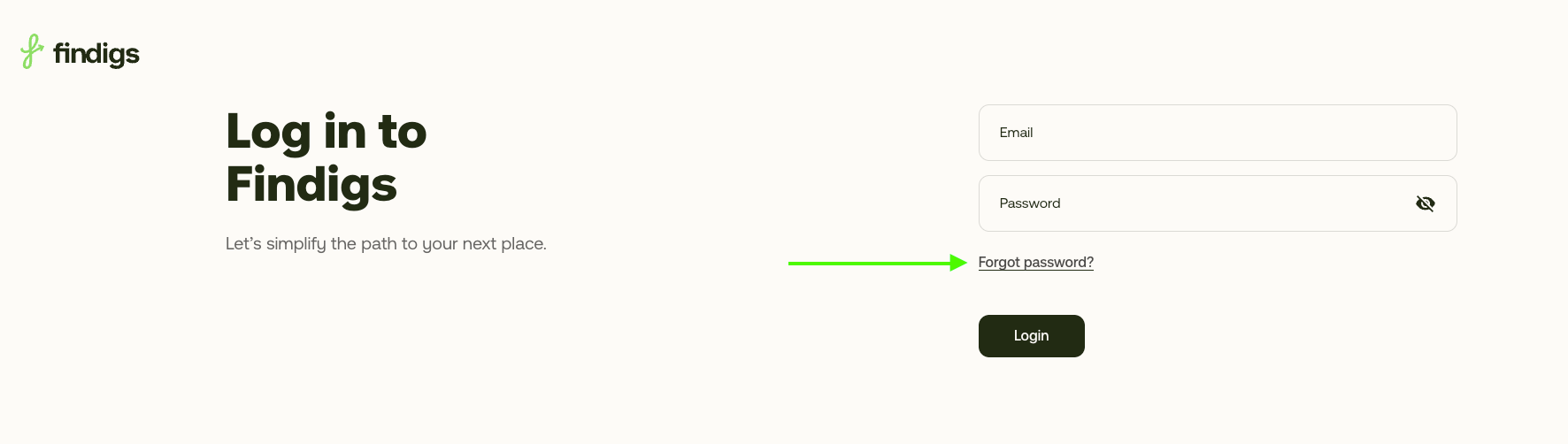
I forgot my password
Select Forgot password?
Enter the email address you used for your Findigs application.
Check your email for a password reset message (it may take 1–2 minutes). Be sure to check your spam/junk folder.
If you don’t receive the email
Make sure the email address matches the one you used for your Findigs application.
Double-check the spelling of your email address and try again at https://rent.findigs.com/forgot.
Check your spam/junk or any filtered folders in your email.
If it still doesn’t arrive after a few tries, contact Findigs Support for help by emailing us at support@findigs.com